

 Highway
 Area C, Milan
 Affiliated Parking Lots
 Strait of Messina Ferry
 Fuel
Fuel
 Electric Charging
 Blue Stripes
 Taxi
Taxi
 Scooter
 Bike Sharing
 Scooter Sharing
 Trains
 Ships and Ferries
Fuel
Fill up in just one tap!
Whether it's gasoline, diesel, LPG, or natural gas, Telepass takes care of your refueling!
Use the app to choose a participating gas station and always pay from your smartphone.
Q8
Eni
IP
Tamoil

GNP

How the Fuel Service Works
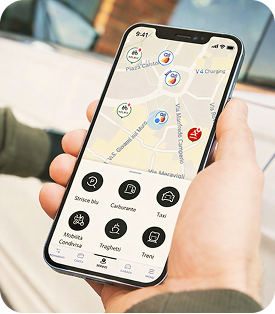
Open the app
Find a participating gas station.
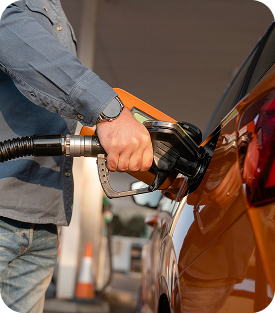
Fill up
Select a pump, choose the amount, and fill up.

Confirm and go
Pay for gas with the app by confirming the purchase.
Who is this for?
Every TBusiness service is designed for companies that want to manage their fleets, tolls, and mobility in a simple, digital way. Telepass Business solutions help small and medium-sized businesses save time, reduce costs, and keep everything under control—all from a single platform.
Discover all our services
With Telepass Business, every trip becomes simple and connected: a single digital space to manage your mobility seamlessly, continuously, and always under control.










Download our app!
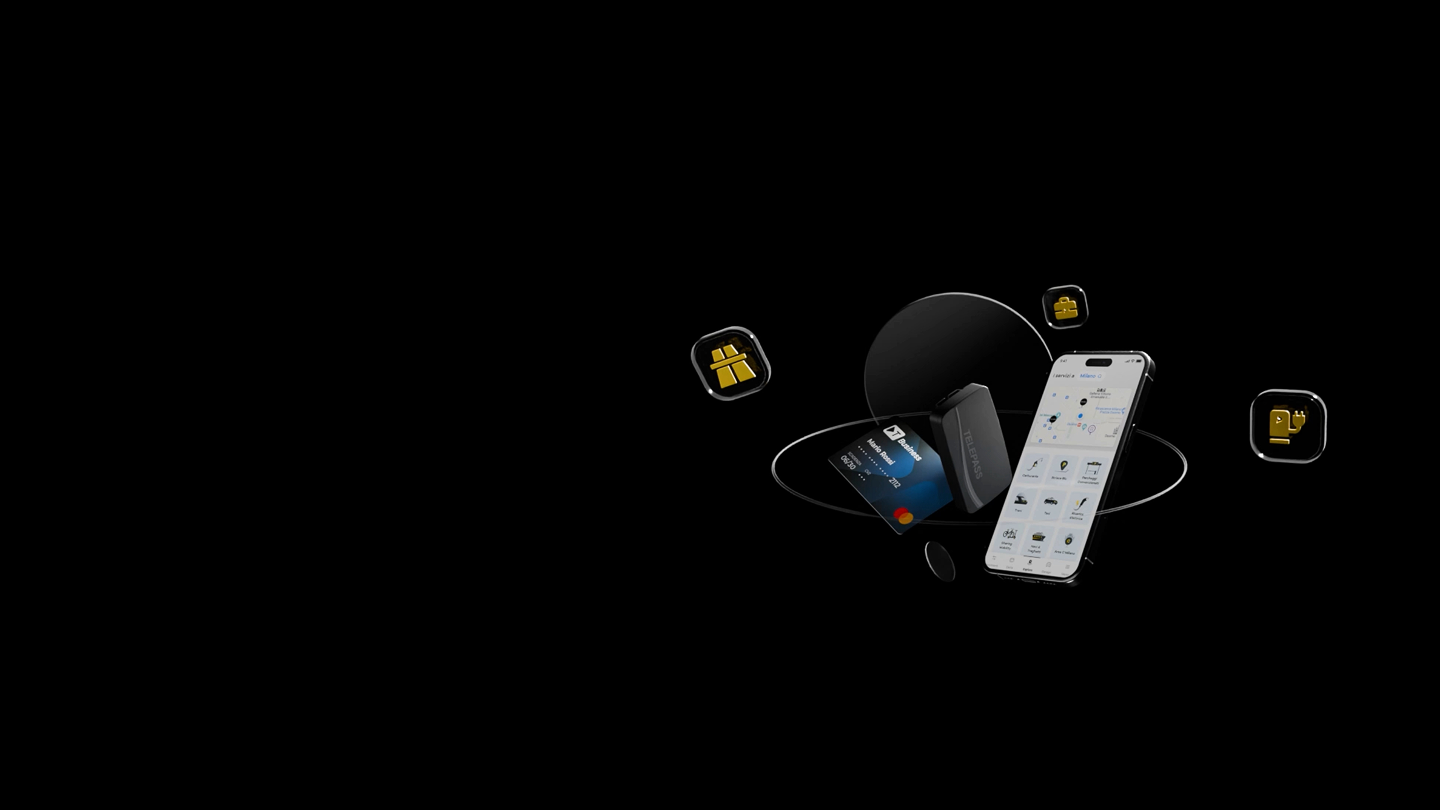
With the Telepass and TBusiness apps, every destination is within reach.
Any questions you'd like to discuss further?
How does the Fuel Service with Telepass Business work?
To use the Fuel Service with Telepass:
- open the Telepass app and select the Fuel Service;
- use geolocation to find the participating gas station closest to you;
- tap “Fill Up”;
- check the vehicle license plate and select the desired amount;
- choose a pump and fill up;
- confirm payment via the app.
Once you’ve finished refueling, you’ll find the transaction in the app under Summary → Transactions.
How can I activate the Fuel Service with Telepass Business?
To use the service, you must have the Telepass app and a plan that includes in-app payment services.
If you are already a Telepass Business customer, you can log in to the app and use the services available with your plan. If you are not yet a customer, you can activate a Telepass Business plan and then use the Fuel service.
How does paying for fuel with Telepass Business work?
Fuel payments are made directly through the app.
- Q8 stations: Set the amount in the app and enter the 6-digit code generated by the app at the payment terminal. Then select the pump number and fill up.
- API IP, Tamoil, Esso, or Retitalia: Set the amount and unlock the pump directly from the app before filling up.
After payment, you’ll always find the transaction recorded in the app under Summary → Transactions.
How can I find out which gas stations are part of the program?
You can check the participating gas stations by using the geolocation feature in the Telepass app to find nearby stations or by consulting the complete list available at website.
Are the participating gas stations for the Telepass Business Fuel Service located only on the highway?
No. The gas stations affiliated with Telepass Business for fuel payments are not limited to highways: they are also located on the regular road network and in cities. To see all available stations, you can consult the complete list or check them directly using the geolocation feature in the Telepass app.
What happens if I fill up with less than the amount I selected in the app?
If the amount set in the app is greater than the amount of fuel actually dispensed, there is no problem. When the tank is full and you return the nozzle, the transaction will automatically be finalized with the actual amount of fuel dispensed.