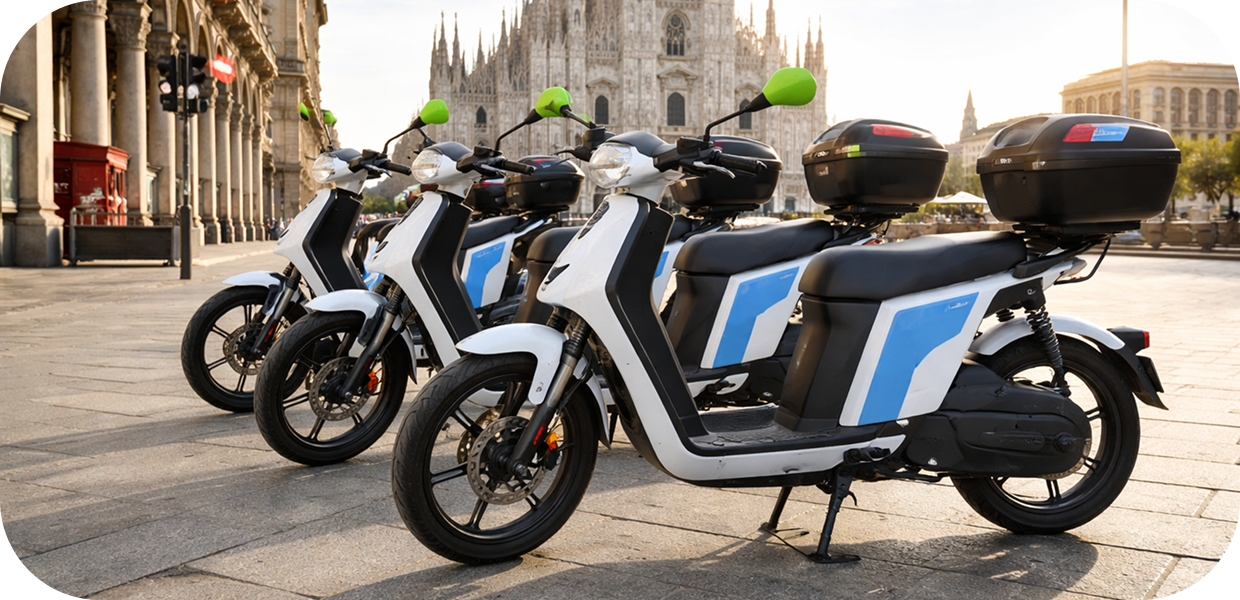
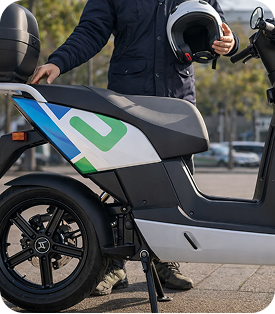
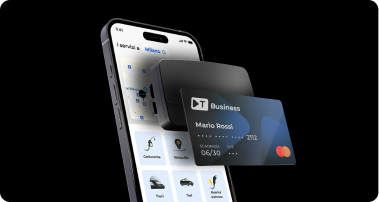
With Telepass Pay Business, you can rent an electric scooter directly from the Telepass app.
To start your rental:
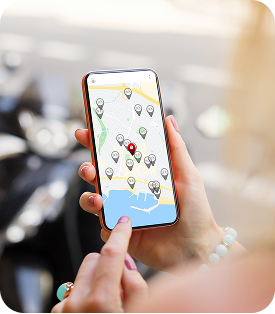
- open the Telepass app and select the Shared Mobility service;
- search the map for the nearest scooter and reserve it to get there;
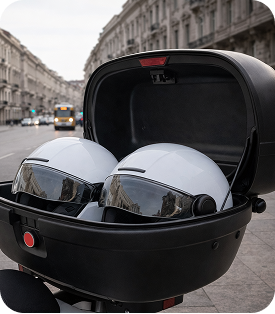
- Once you’re in front of the scooter, click on “Open” to activate the electric system and open the trunk;
- In the trunk, you’ll find two helmets and hygienic earplugs;
- Put on the helmet and ride the scooter.
At the end of your trip, you can end the rental directly from the app by clicking on “End”.
The app always displays a summary of the trip you just completed.
During your rental, you can also use the Pause feature, which allows you to keep the scooter reserved while you take a break. The per-minute rate remains the same as during the rental.




 Highway
 Area C, Milan
 Affiliated Parking Lots
 Strait of Messina Ferry
 Fuel
Fuel
 Electric Charging
 Blue Stripes
 Taxi
Taxi
 Scooter
 Bike Sharing
 Scooter Sharing
 Trains
 Ships and Ferries