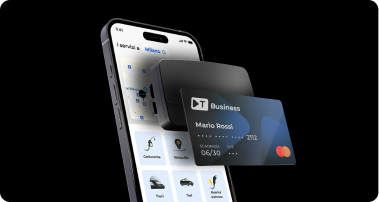
With Telepass Business, you can pay for parking in blue-line zones directly from the Telepass app.
To start your parking session:
- open the Telepass app and select the Blue Zones service;
- use geolocation to determine your location, or manually enter the address or the area code shown on the signage;
- select or enter the license plate of the parked vehicle;
- set the parking duration.
Ten minutes before the expiration, you will receive a notification allowing you to extend or end the parking session. The amount will be automatically charged to your payment account.




 Highway
 Area C, Milan
 Affiliated Parking Lots
 Strait of Messina Ferry
 Fuel
Fuel
 Electric Charging
 Blue Stripes
 Taxi
Taxi
 Scooter
 Bike Sharing
 Scooter Sharing
 Trains
 Ships and Ferries